mmex-ios
Money Manager Ex for iOS

Secure personal finance on iPhone with local, MMEX-compatible data.
Track accounts, transactions, categories, budgets, and reports while keeping your database under your control.
China mainland App Store · Join TestFlight · View App Store asset pack
Why Money Manager Ex for iOS
Money Manager Ex for iOS (MMEX4iOS) is the mobile companion to the Money Manager Ex ecosystem on desktop and Android. It is designed for people who want practical finance tracking without giving up control of their data.
Highlights
- Private by default — manage your finances with local storage and support for AES-256 encrypted databases.
- MMEX-compatible workflow — work with the same data model used by MMEX Desktop and MMEX Android.
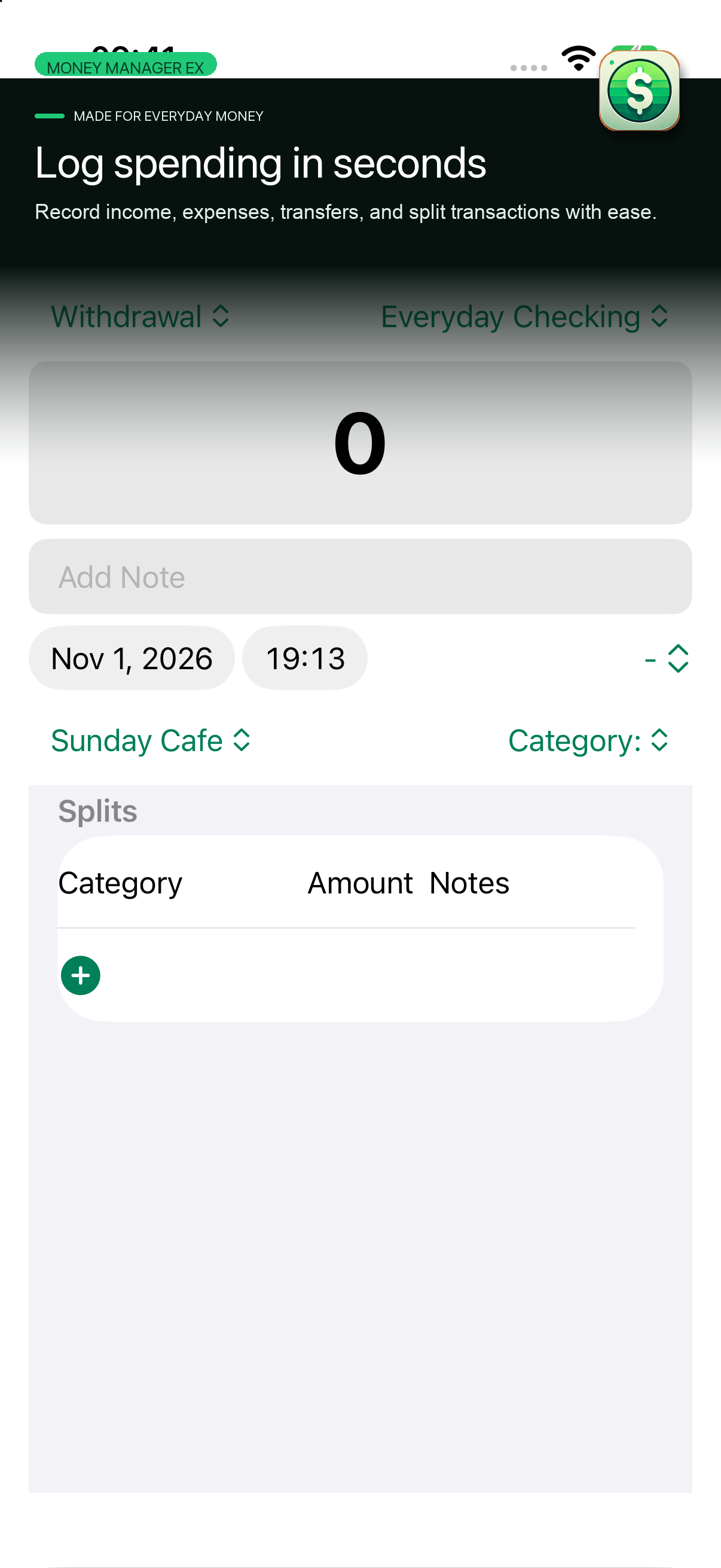
- Useful day-to-day finance tools — record regular, split, and transfer transactions; manage accounts, categories, payees, and more.
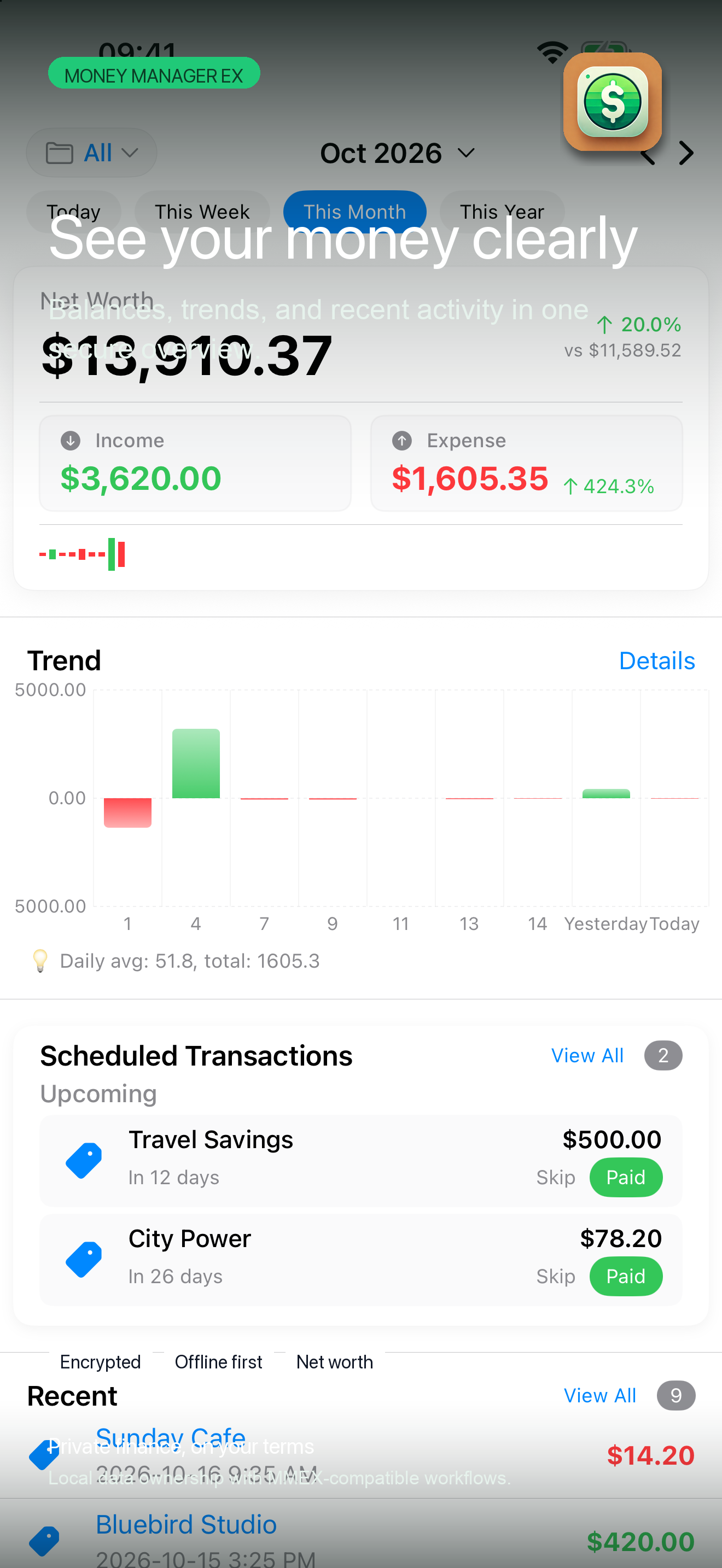
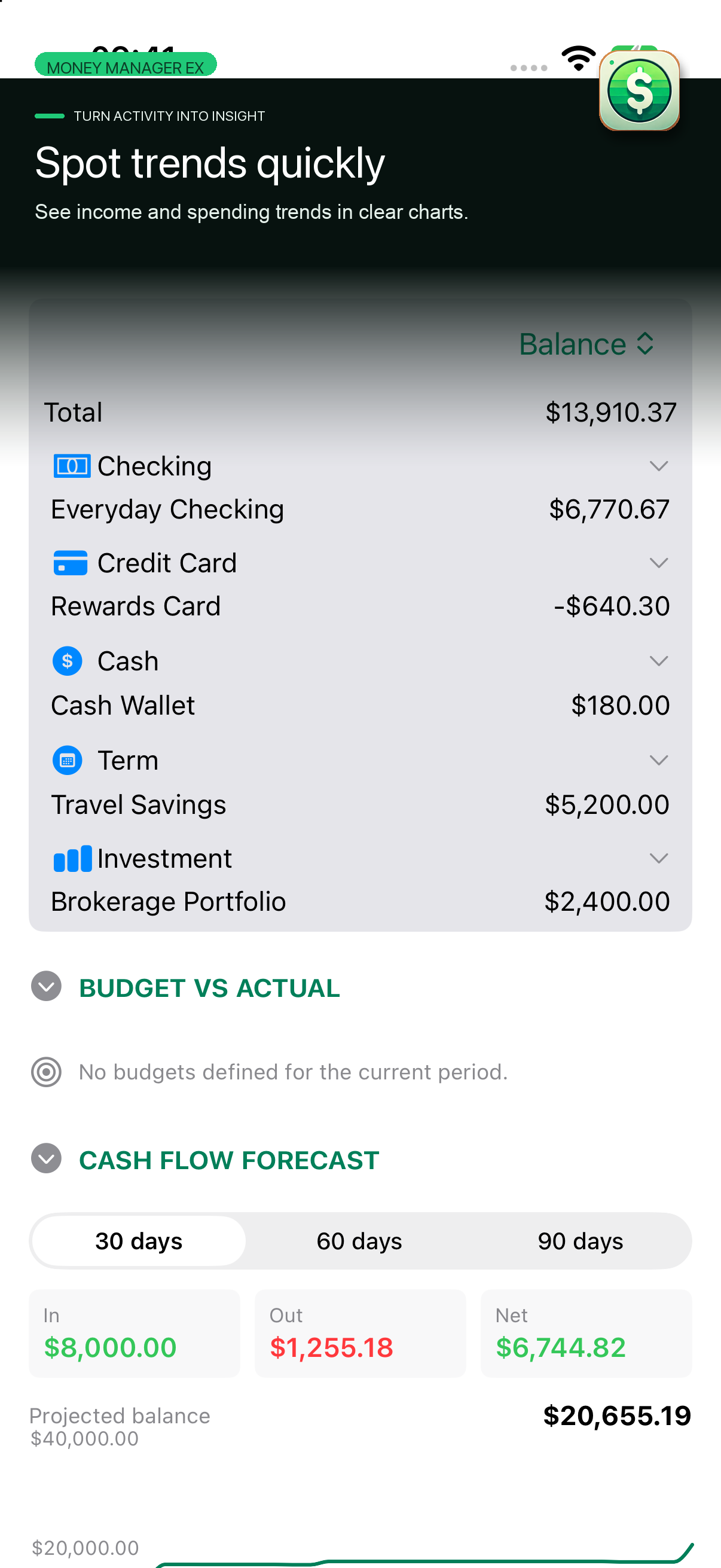
- Clear insights — review balances, trends, and recent activity with SwiftUI-based dashboards and charts.
- Document-based sync model — use the iOS Files workflow to open and manage databases.
Screenshots
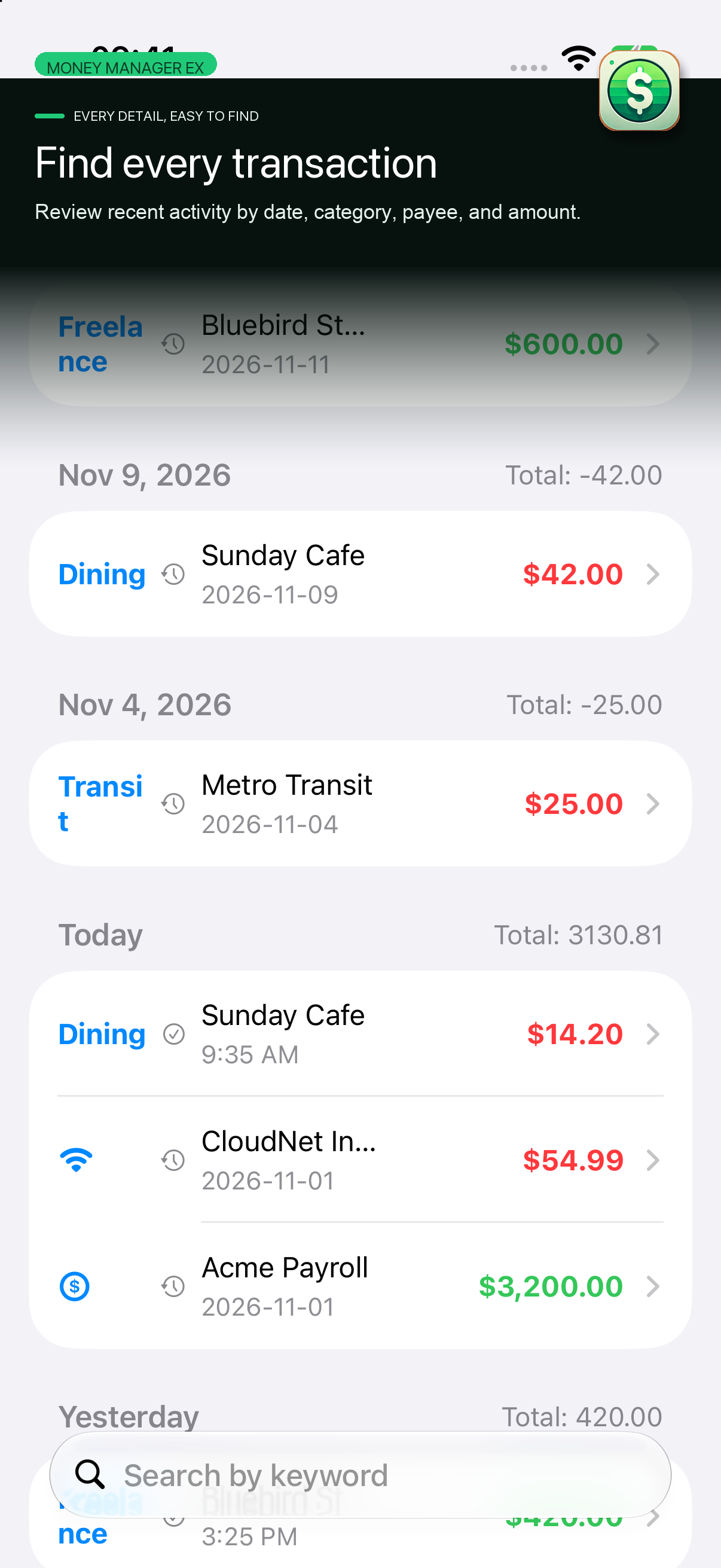
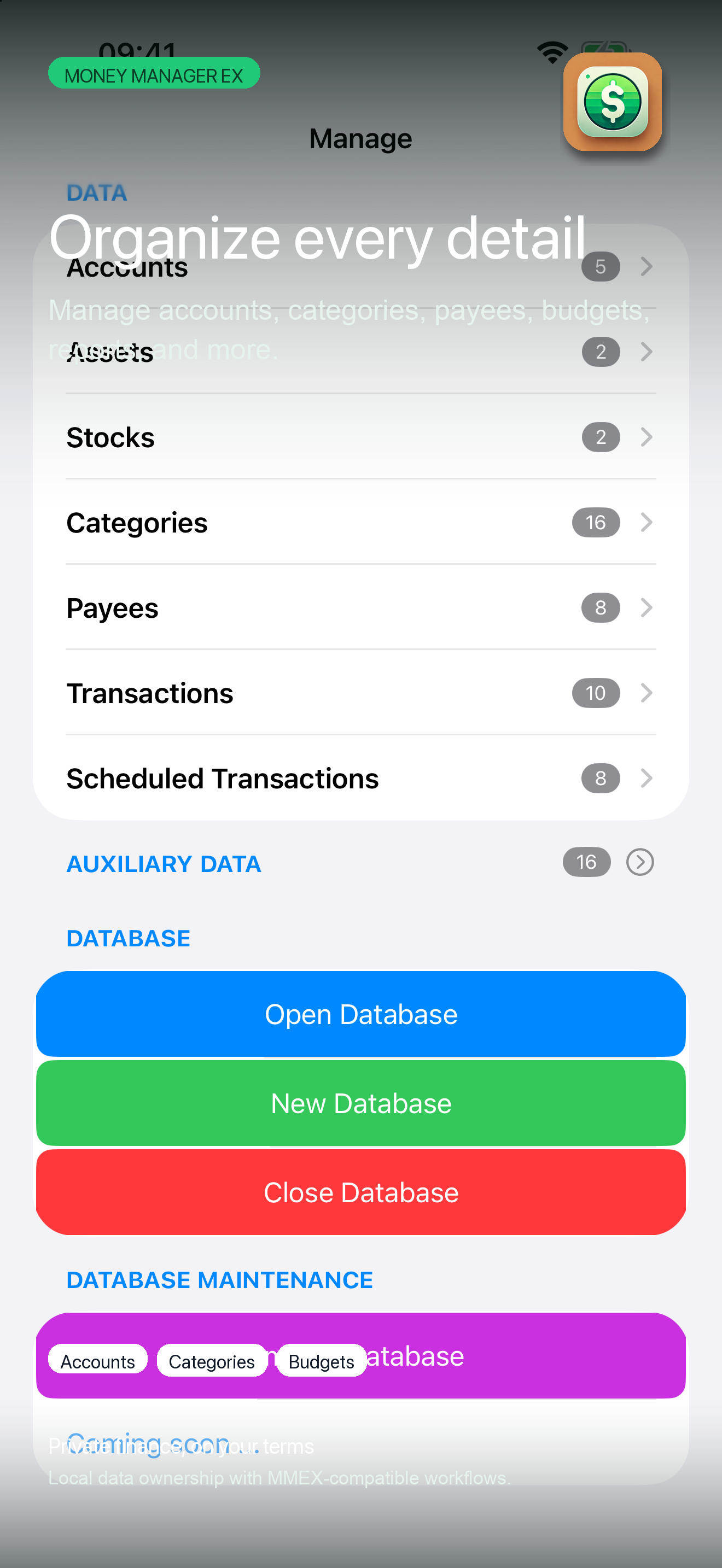
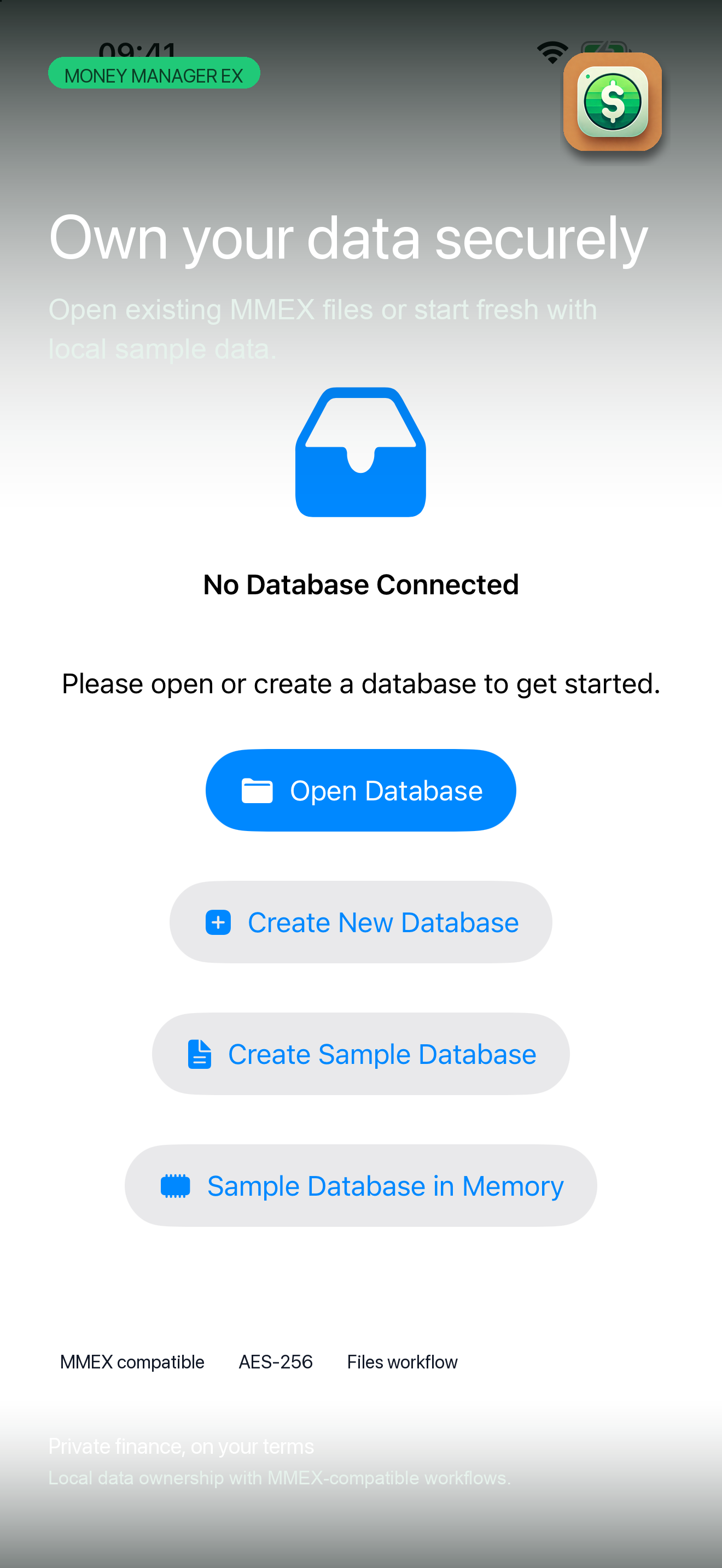
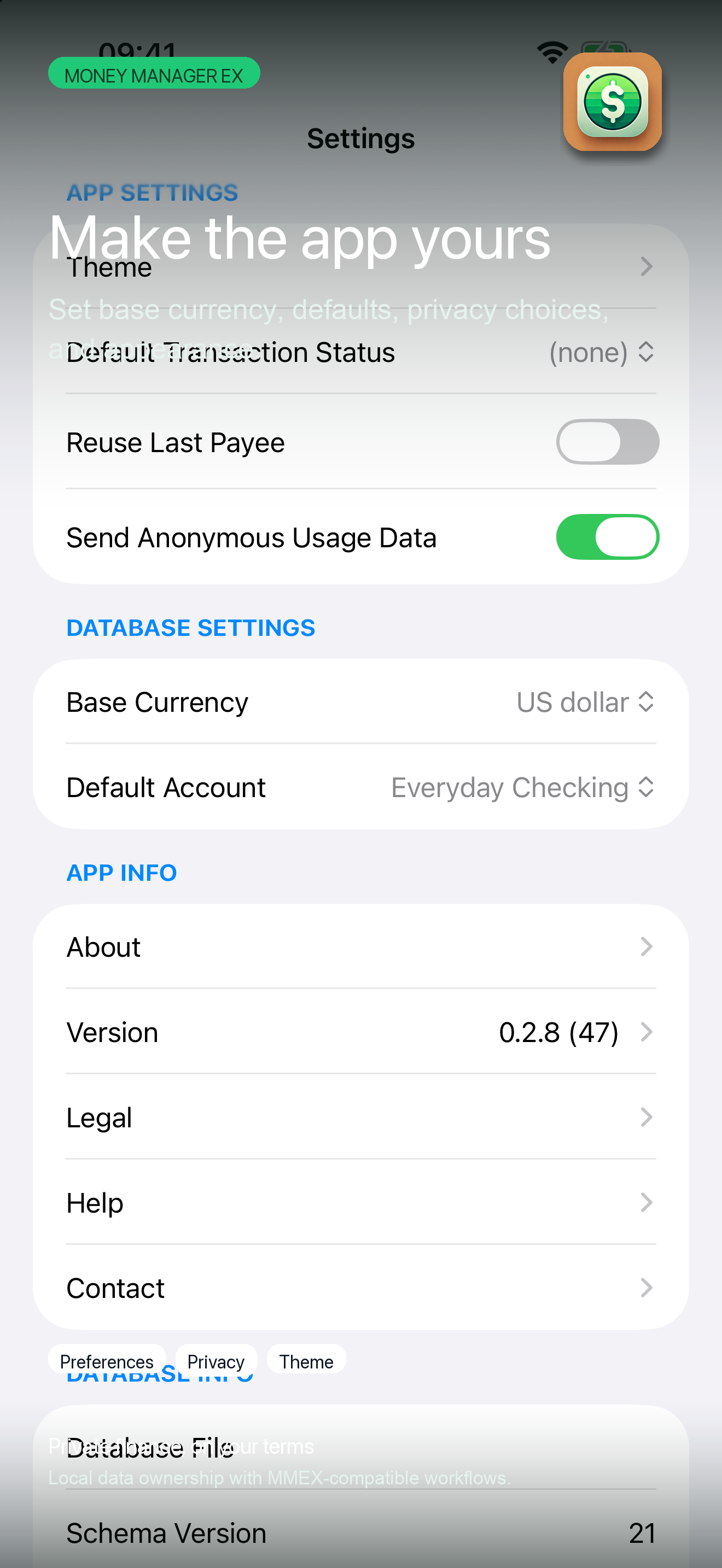
The repository now includes a fresh screenshot set captured from the current simulator build, plus a generated marketing set for GitHub Pages and App Store planning.
These screenshots are generated from a real app run with sample data. Final App Store submission still benefits from a human review pass for copy, localization, and exact device-target compliance. See docs/app-store-release-assets.md for the full capture and asset plan.
Screenshot sources
- Fresh raw captures: Screenshots/2026-refresh/raw/
- Generated marketing set: docs/assets/app-store/
- Large-display App Store exports (iPhone 17 Pro Max): docs/assets/app-store/6.9-inch/
- Generator script: scripts/generate_app_store_screenshots.py
- Screenshot-mode app entry: ContentView.swift
Planned next screenshot sequence
For the next App Store recapture, the recommended order is:
- Overview hero
- Journal / recent activity
- Insights / charts
- Transaction entry
- Manage / organization
- Database ownership and onboarding
- Settings / personalization
Features
Core finance management
- Regular transactions
- Split transactions
- Transfer transactions
- Accounts and currencies
- Payees and categories
- Budgets, tags, reports, and attachments
User experience
- SwiftUI-based interface
- Charts for reports and financial insights
- Theme and preference settings
- Multi-language support
Security and compatibility
- AES-256 encrypted database support
- MMEX data model compatibility
- Files-based database workflow
App Store release assets
Use docs/app-store-release-assets.md for:
- App Store metadata copy
- Screenshot ordering and positioning
- App preview storyboard
- Localization starter copy
- Screenshot regeneration notes
Tech stack
- SwiftUI
- Swift Charts for reports and insights
- SQLite.swift for the current ORM and data access layer
- MMEX Data Model for cross-platform data compatibility
- SQLite3MultipleCiphers for encrypted database support
Architecture
Build
Requirements
- Xcode
- Optional: iPhone or iPad device for on-device validation
Dependencies
- SQLite.swift manual installation guide
- Amplitude-iOS manual installation
Local build flow
- Clone this repository.
- Set up the required manual dependencies.
- Open the Xcode project.
- Build and run the app.
Contributing
This project is still evolving, and contributions are welcome across development, design, testing, and localization.
- Developers — improve product flows, data handling, and platform quality.
- Designers — help refine visual polish, onboarding, and finance workflows.
- Beta testers — join via TestFlight.
- Translators — contribute on Crowdin.